Replace one-device-at-a-time setup with a guided bulk workflow.
AVDACS Configure helps technicians discover DM NVX devices, stage changes, validate risky settings, apply changes in batches, and preserve records for handoff or future service.
Discovery and inventory
Accept CIDR and technician-friendly host ranges, select the local NIC, and build an inventory of discovered devices before changes are applied.
Bulk configuration
Stage host names, friendly names, roles, multicast settings, IP IDs, and network values using a workflow built for multiple endpoints.
Pre-apply validation
Warn on duplicate host names, static IP collisions, duplicate IP IDs, invalid ranges, and uncommon port changes before the job gets harder to unwind.
Handoff outputs
Support spreadsheet import, CSV export, Excel export, print preview, report preview, and activity logs for the project file.
Field workflow
Discover, stage, validate, apply, document.
1. Discover
Scan the target subnet or host range and confirm the device list.
2. Stage
Prepare naming, addressing, roles, and multicast-related settings.
3. Validate
Review warnings before committing changes to live endpoints.
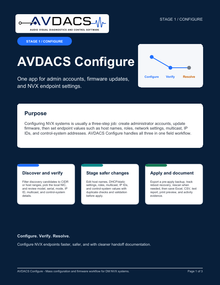
Configuring NVX systems is usually a three-step job: create administrator accounts, update firmware, then set endpoint values such as host names, roles, network settings, multicast, IP IDs, and control-system addresses. AVDACS Configure handles all three in one field workflow.
 PDF
PDF